**New Features**
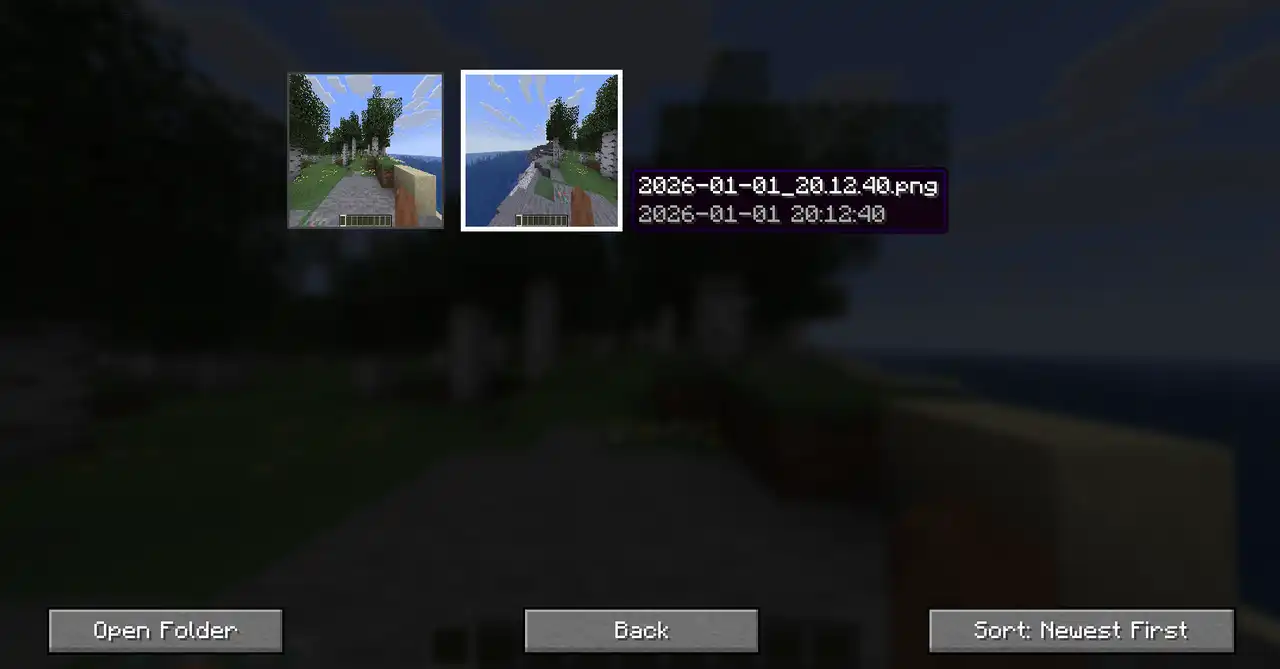
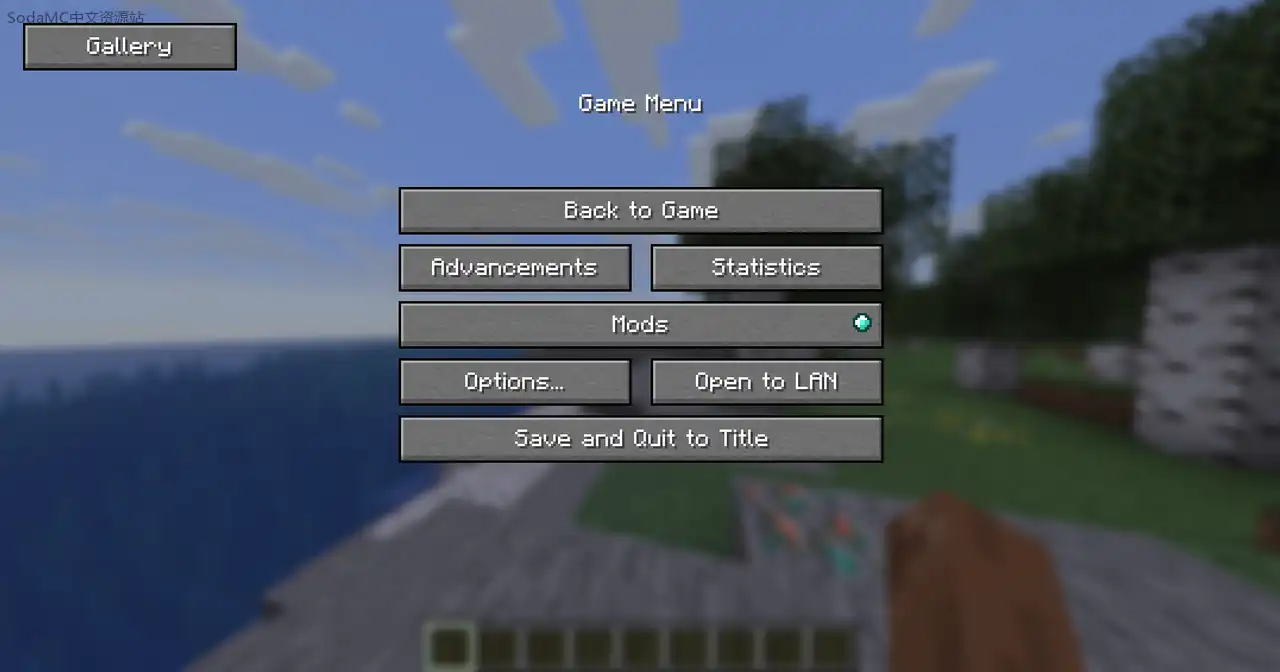
* **Fancy Menu Support:** Screenshot Gallery now works with Fancy Menu. You can add the gallery button to your custom main menu layout without any conflicts.
* **Yaw and Pitch in TP Command:** The copied `/tp` command now includes your camera's yaw and pitch values, so when you teleport back to a spot, you're facing the exact same direction you were when the screenshot was taken.
**Bug Fixes**
* **Silent screenshots now save metadata correctly:** Previously, screenshots taken silently (without the normal capture sound/flash) were missing coordinates, biome, dimension, and other data in their `.meta.json` file. That's been fixed — silent and normal captures now behave identically.
* **Fixed a bug where screenshots would go completely black after 20-25 captures in the same session:** This was caused by texture resources not being released properly after each capture, eventually exhausting the available slots. Textures are now disposed of correctly so the gallery stays functional no matter how many screenshots you take.
# Changelog
## [1.7] - 2026-05-22
### Screenshot Gallery 1.7
**_New Features_**
- **Fancy Menu Support**: Screenshot Gallery now works with Fancy Menu. You can add the gallery button to your custom main menu layout without any conflicts.
- **Yaw and Pitch in TP Command**: The copied /tp command now includes your camera's yaw and pitch values, so when you teleport back to a spot, you're facing the exact same direction you were when the screenshot was taken.
**_Bug Fixes_**
- **Silent screenshots now save metadata correctly**. Previously, screenshots taken silently (without the normal capture sound/flash) were missing coordinates, biome, dimension, and other data in their .meta.json file. That's been fixed — silent and normal captures now behave identically.
- **Fixed a bug where screenshots would go completely black after 20-25 captures in the same session**. This was caused by texture resources not being released properly after each capture, eventually exhausting the available slots. Textures are now disposed of correctly so the gallery stays functional no matter how many screenshots you take.
# Changelog
## [1.7] - 2026-05-22
### Screenshot Gallery 1.7
**_New Features_**
- **Fancy Menu Support**: Screenshot Gallery now works with Fancy Menu. You can add the gallery button to your custom main menu layout without any conflicts.
- **Yaw and Pitch in TP Command**: The copied /tp command now includes your camera's yaw and pitch values, so when you teleport back to a spot, you're facing the exact same direction you were when the screenshot was taken.
**_Bug Fixes_**
- **Silent screenshots now save metadata correctly**. Previously, screenshots taken silently (without the normal capture sound/flash) were missing coordinates, biome, dimension, and other data in their .meta.json file. That's been fixed — silent and normal captures now behave identically.
- **Fixed a bug where screenshots would go completely black after 20-25 captures in the same session**. This was caused by texture resources not being released properly after each capture, eventually exhausting the available slots. Textures are now disposed of correctly so the gallery stays functional no matter how many screenshots you take.
### UI Redesign
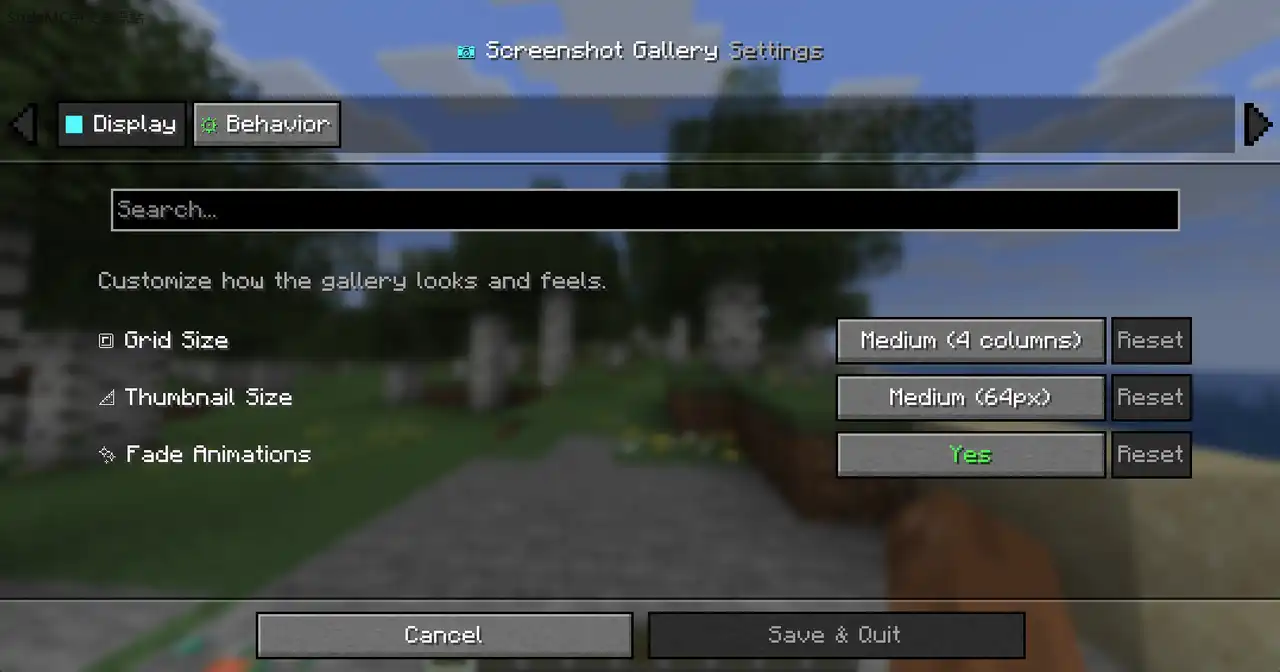
- The interface has been completely overhauled for a minimal, professional look. We removed the busy visual effects—like heavy drop shadows, pulsing animations, glowing indicators, and bright accents—and replaced them with clean lines, subtle hover states, and a neutral dark color palette. The gallery grid, thumbnail overlays, and fullscreen viewer are now much cleaner and less distracting.
### New Features
- Seed Capture: Singleplayer screenshots now save the world seed. You can click the new "SEED" label in fullscreen mode to instantly copy the seed to your clipboard.
- Copy TP Command: The old "Go To" folder button has been replaced with a "Copy TP" button. Clicking it instantly copies the exact /tp X Y Z command to your clipboard.
### Bug Fixes
- Deleting a screenshot inside the gallery now correctly deletes its attached .meta.json file to keep your folders clean.
- Fixed a layout issue where metadata text (coordinates, biome, dimension) was getting cut off at the bottom of the fullscreen viewer.
- Replaced the tiny, hard-to-read crosshair text symbol with a clearer custom-drawn icon.
### UI Redesign
- The interface has been completely overhauled for a minimal, professional look. We removed the busy visual effects—like heavy drop shadows, pulsing animations, glowing indicators, and bright accents—and replaced them with clean lines, subtle hover states, and a neutral dark color palette. The gallery grid, thumbnail overlays, and fullscreen viewer are now much cleaner and less distracting.
### New Features
- Seed Capture: Singleplayer screenshots now save the world seed. You can click the new "SEED" label in fullscreen mode to instantly copy the seed to your clipboard.
- Copy TP Command: The old "Go To" folder button has been replaced with a "Copy TP" button. Clicking it instantly copies the exact /tp X Y Z command to your clipboard.
### Bug Fixes
- Deleting a screenshot inside the gallery now correctly deletes its attached .meta.json file to keep your folders clean.
- Fixed a layout issue where metadata text (coordinates, biome, dimension) was getting cut off at the bottom of the fullscreen viewer.
- Replaced the tiny, hard-to-read crosshair text symbol with a clearer custom-drawn icon.
### New
- 4-column grid with dynamic thumbnail sizing
- Draggable scrollbar with click-to-jump
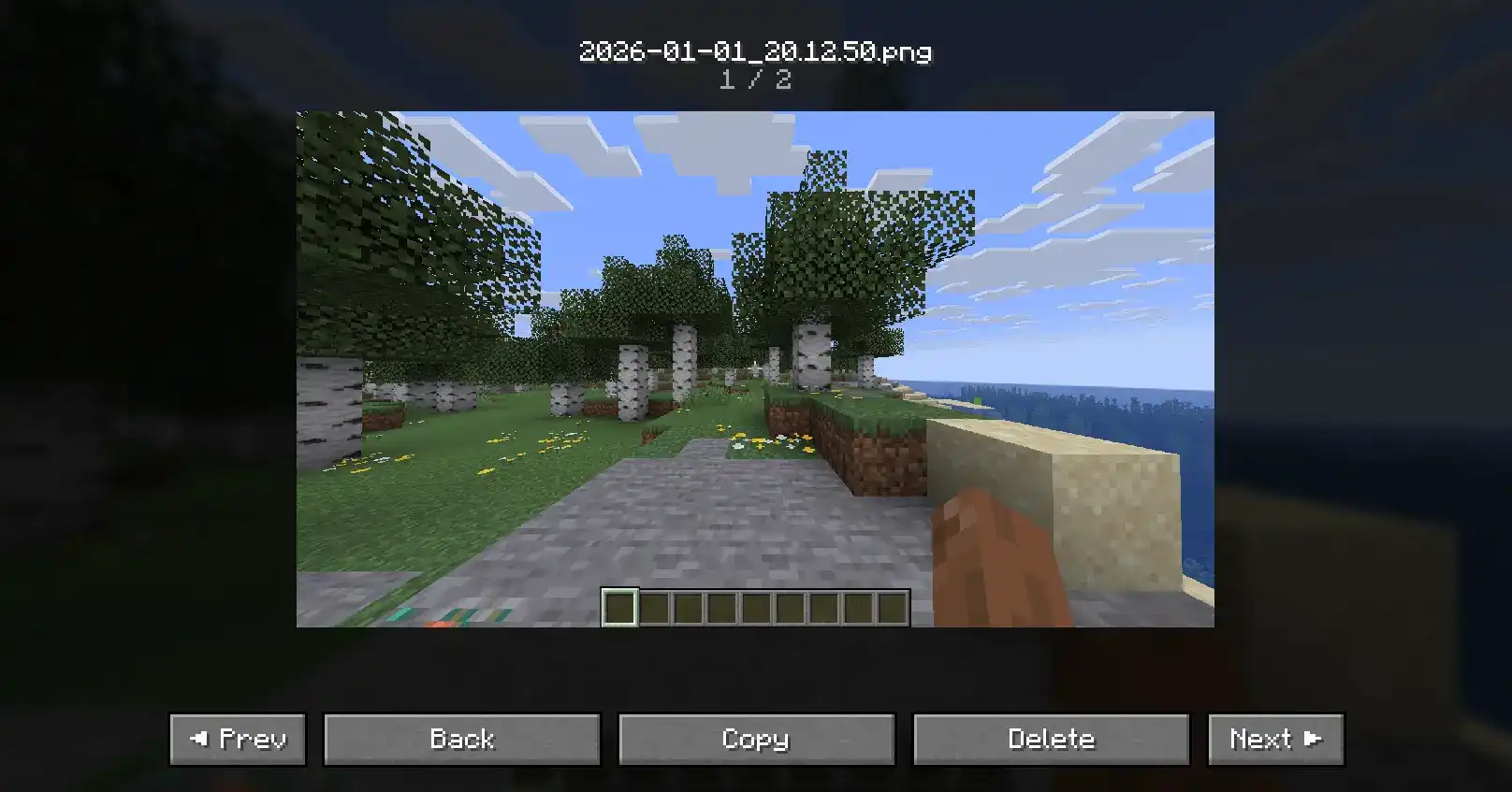
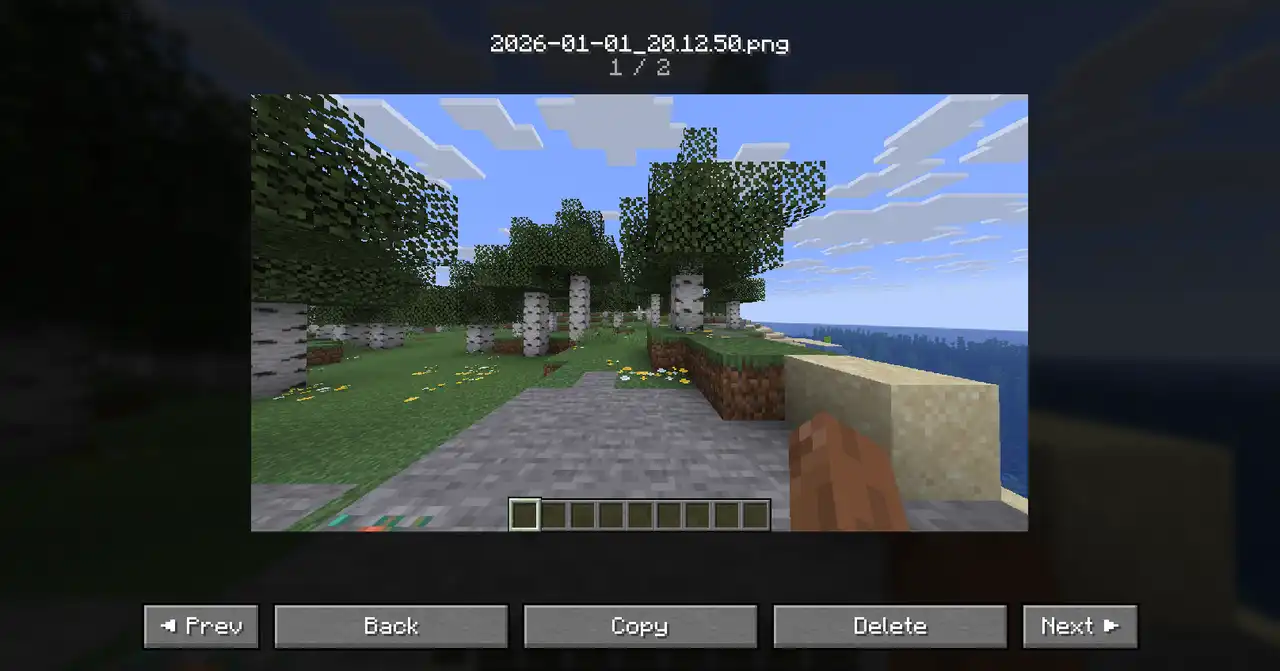
- Position counter in fullscreen viewer (e.g. 3 / 14)
- Selected thumbnails now have a subtle idle shake animation
- Thumbnails now preserve their original aspect ratio
- The mod now successfully captures your coordinates, current biome, dimension, and world name the exact moment a screenshot is taken.
### Improved
- Navigation arrows are now much more visible with background and hover effects
- Rename field no longer shows the .png extension
- Spacing between thumbnail rows is now consistent
- Border now wraps the image correctly instead of the empty cell
### Fixed
- Fixed GPU memory leak when reopening the gallery
Hey everyone, version 1.2 is here! For this update, I really focused on polishing things up so the gallery feels incredibly smooth, looks great, and runs completely lag free. Here is what is new:
### Easier to Use
* **Simple Selecting:** You can now select multiple screenshots just by clicking them. You don't need to hold down the Ctrl key anymore.
* **Favorites at the Top:** Your starred screenshots will now automatically pin themselves to the top of your gallery so they are always easy to find.
* **Bulk Favoriting:** You can select a bunch of pictures at once and star or unstar them all with a single click.
* **Cleaner Fullscreen:** I got rid of the bulky buttons when you are viewing a picture up close. Now, clean navigation arrows just fade in on the sides when you move your mouse.
### A Better Look and Feel

* **Frosted Glass Menus:** The top and bottom bars, as well as the notifications, now have a modern, slightly see through look.
* **Snappier Animations:** The gallery just feels better to use. Pictures give a satisfying little shake when you select them, and scrolling is a lot smoother.
* **Redesigned Icons:** The star and checkmark symbols have been updated to look much sharper.
### Massive Speed Boosts
* **No More Freezing:** The gallery now loads and sorts your pictures in the background. This means your game won't freeze up while the mod is thinking.
* **Better Performance:** The mod is now a lot smarter about memory usage. It only loads the specific pictures you are currently looking at on your screen, which saves your computer a ton of effort and keeps your framerate high.

**Copy Button:** Added a "Copy to Clipboard" button.
**UI Polish:** Included a symmetrical button layout and a "Copied!" notification.
## Silky Smooth Animations:
Hovering over thumbnails and scrolling around the grid now use frame-interpolated delta-time, meaning it runs buttery **smooth at your monitor's actual refresh rate.**
## Cinematic Styling:
We replaced the flat colors and borders with **sleek background gradients**, d**ark vignette shadows in fullscreen**, and **drop-shadows behind the thumbnails.**
## Snappier Feel:
The fullscreen transitions and thumbnail pop-ups are now significantly faster and more responsive.
## Better Navigation:
You can now hit the **ESC** key to naturally back out of fullscreen images into the gallery, and the new **Go To button** will instantly open the exact screenshot inside your Windows File Explorer.